
Free Domain Breach Check for Your Company
Type a company domain and we check it against 11.7B+ breach records and stealer logs. You get the number of employee addresses that appear, the breaches they appear in, and a risk level, in seconds. Free, no signup, and the domain you type is processed in memory, not stored.
How the check works
Your domain is matched against 11.7B+ breach records from 800+ publicly disclosed breaches and stealer logs. Every breach is verified before it enters the index, and lookups run against exposure facts only: which breaches involve accounts on your domain, when they happened, and what data categories were exposed.
Read more about where the data comes from and how breaches are verified.
How to read your results
- Exposed emails: how many distinct email addresses on your domain appear in indexed breaches.
- Breaches: the number of separate breach incidents involving your domain, each listed with its name and date.
- Total exposed records: the combined count of records tied to your domain across all of those breaches.
- Risk level: a weighted score from None to Critical based on how many accounts, breaches, and records are involved.
- PDF report: a downloadable summary you can share with your security team or leadership.
What to do next
- Reset passwords and enforce MFA for exposed accounts, starting with executives and admins.
- Review which data categories leaked in each breach. Exposed passwords demand immediate action; exposed emails alone mainly raise phishing risk.
- Set up continuous domain breach monitoring so the next breach does not go unnoticed. xonEnterprise+ alerts you typically within 15 minutes of new breach data landing, from $25/mo.
- If you look after other companies' domains, as an MSSP or inside your own product, xonThreatIntel+ covers every client domain from one account and one API key.
Frequently asked questions
Is the domain exposure check really free?
Yes. The check is free, instant, and requires no signup or credit card. You get a point-in-time snapshot of your domain's breach exposure, plus a downloadable PDF summary.
Do you store the domains I check?
No. The domain you check is processed in memory and never logged or stored; only request metadata is kept for rate limiting and abuse prevention. We store only what already exists in our breach index: exposure facts like breach names, dates, and exposed data categories.
How is this different from continuous monitoring?
The free check is a snapshot of exposure from breaches already indexed. xonEnterprise+ watches your domains continuously and alerts you, typically within 15 minutes, when your domain appears in new breach data. Plans start at $25/mo.
Can I use this check for my clients' domains?
Yes. The one-off check works for any domain and needs no signup. To keep watching client domains and get alerts, use xonThreatIntel+: one account, one API key and one domain quota cover every client domain, from $99 a month for 10 domains.
Why does my domain show breaches I don't recognize?
Employees sign up for third-party services with their work email addresses. When one of those services is breached, your domain's accounts are exposed in that breach, so the breach name refers to the leaked service, not to your own systems.
How fresh is the breach data?
New breach data is ingested daily and every breach is verified before indexing. See our data sourcing page for how breaches are verified and what we never store.
From the blog
All posts →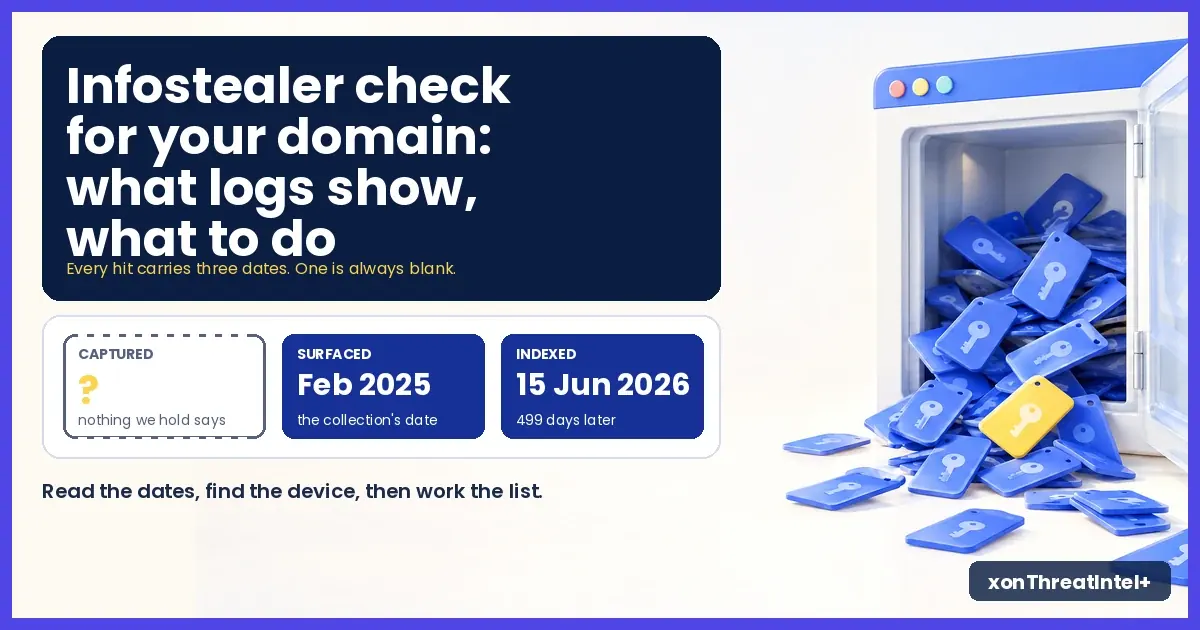
Infostealer Check for Your Domain: What Logs Show, What to Do
A stealer-log hit on your domain usually means an infected browser, not a breached company. What the row shows, what it can't, the three dates on it, and what to do, in order.
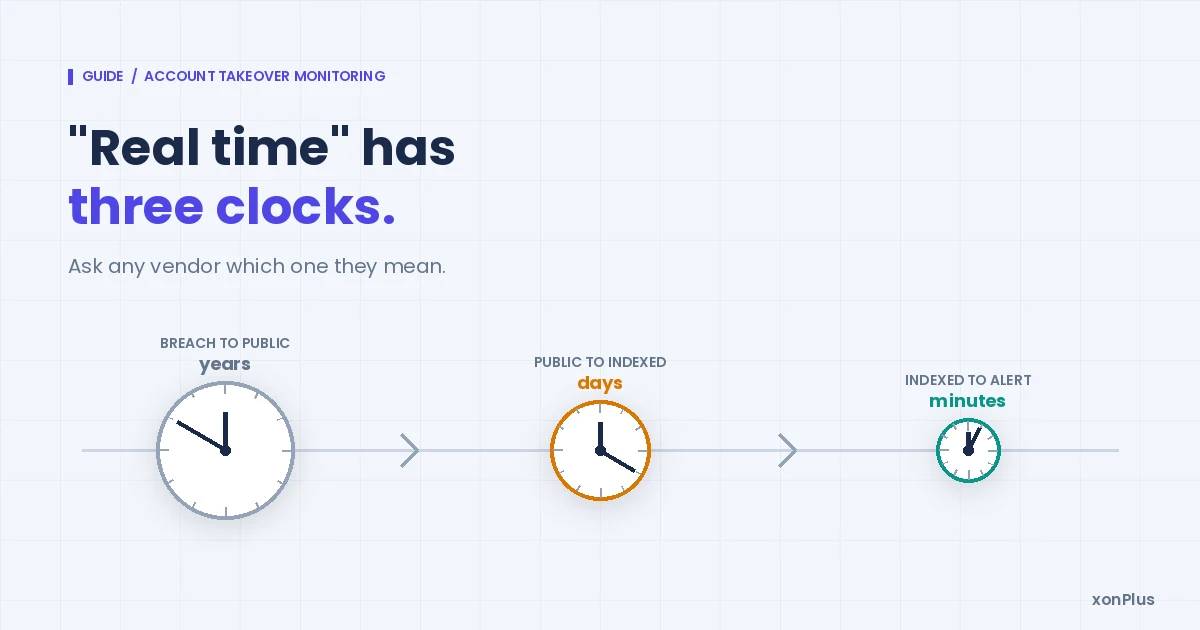
Account Takeover Monitoring: Watch Breach Dumps and Stealer Logs for Your Domain
A takeover starts with an address in someone else's breach, not at your login page. How to monitor the whole domain, what real time honestly means, and the first hour after an alert.
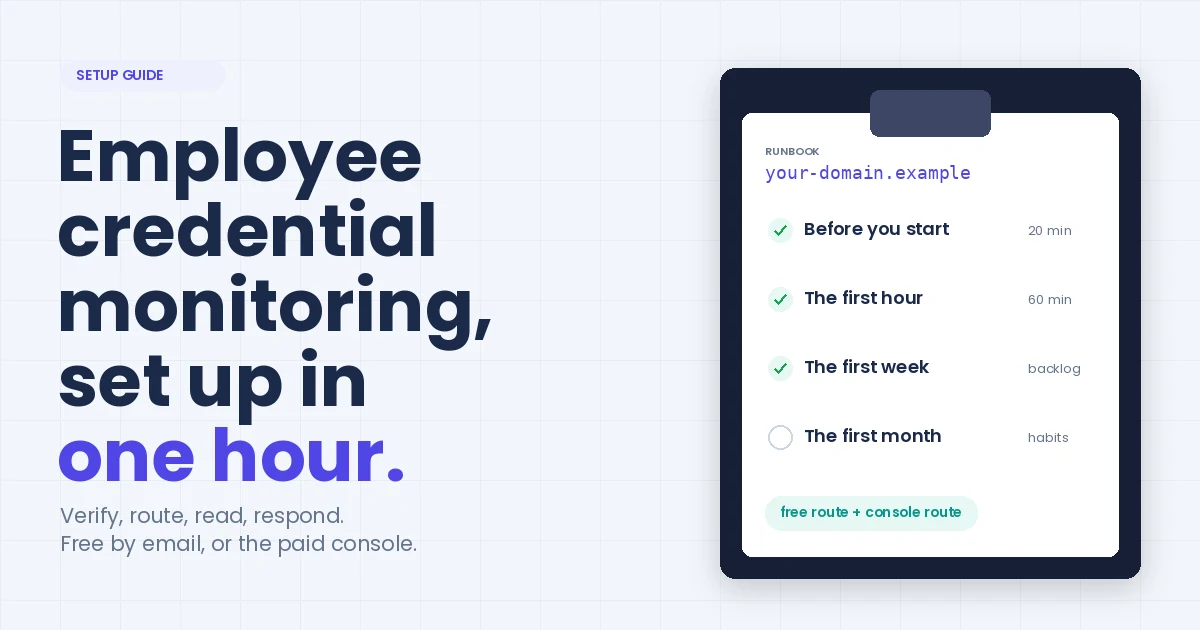
Employee Credential Monitoring: A Practical Setup Guide
The runbook we'd hand a security lead on day one. Verify every domain you own, route the alerts where your team already looks, work the backlog by password risk. An hour to switch on, on the free route or the paid console.